
Best Surge Protector for a Gaming PC: A Buying Guide
Disclosure: We may earn a commission when you buy through links on this page, at no extra cost to you. As an Amazon Associate I earn from qualifying purchases. Learn more
Joule ratings, UPS sizing, and outlet layout explained so you can pick the right surge protector or battery backup for a gaming PC.
A single power spike from a storm, a grid fluctuation, or even a large appliance kicking on in your house can fry a motherboard, a graphics card, or a power supply in an instant. The best surge protector for a gaming pc stands between your build and that risk, absorbing the excess voltage before it ever reaches your components. Some units go further and add battery backup, giving you a window to save your work and shut down cleanly during an actual outage instead of losing progress mid-session. This guide covers the difference between basic surge protection and battery backup, and what specs actually matter when you shop.


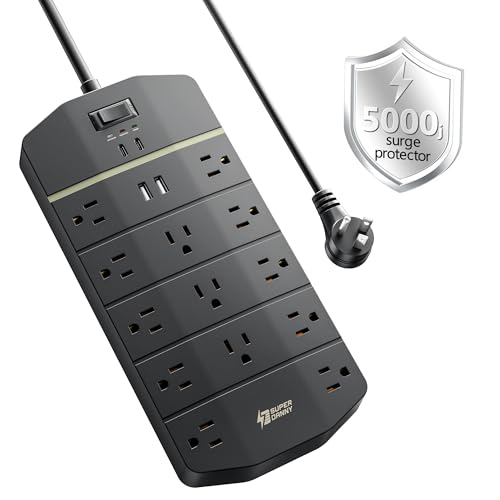
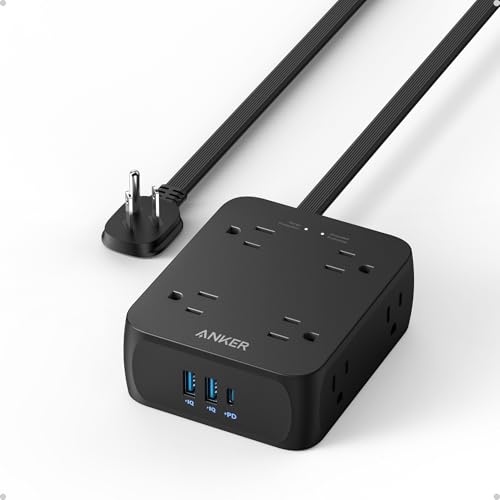
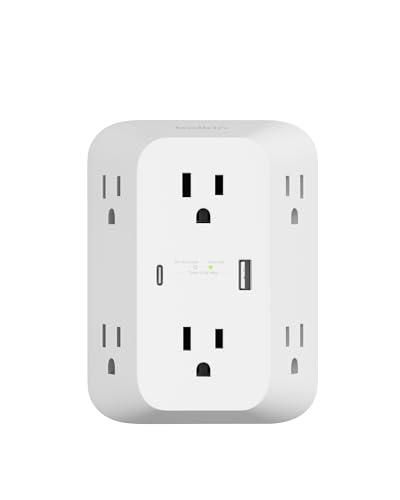
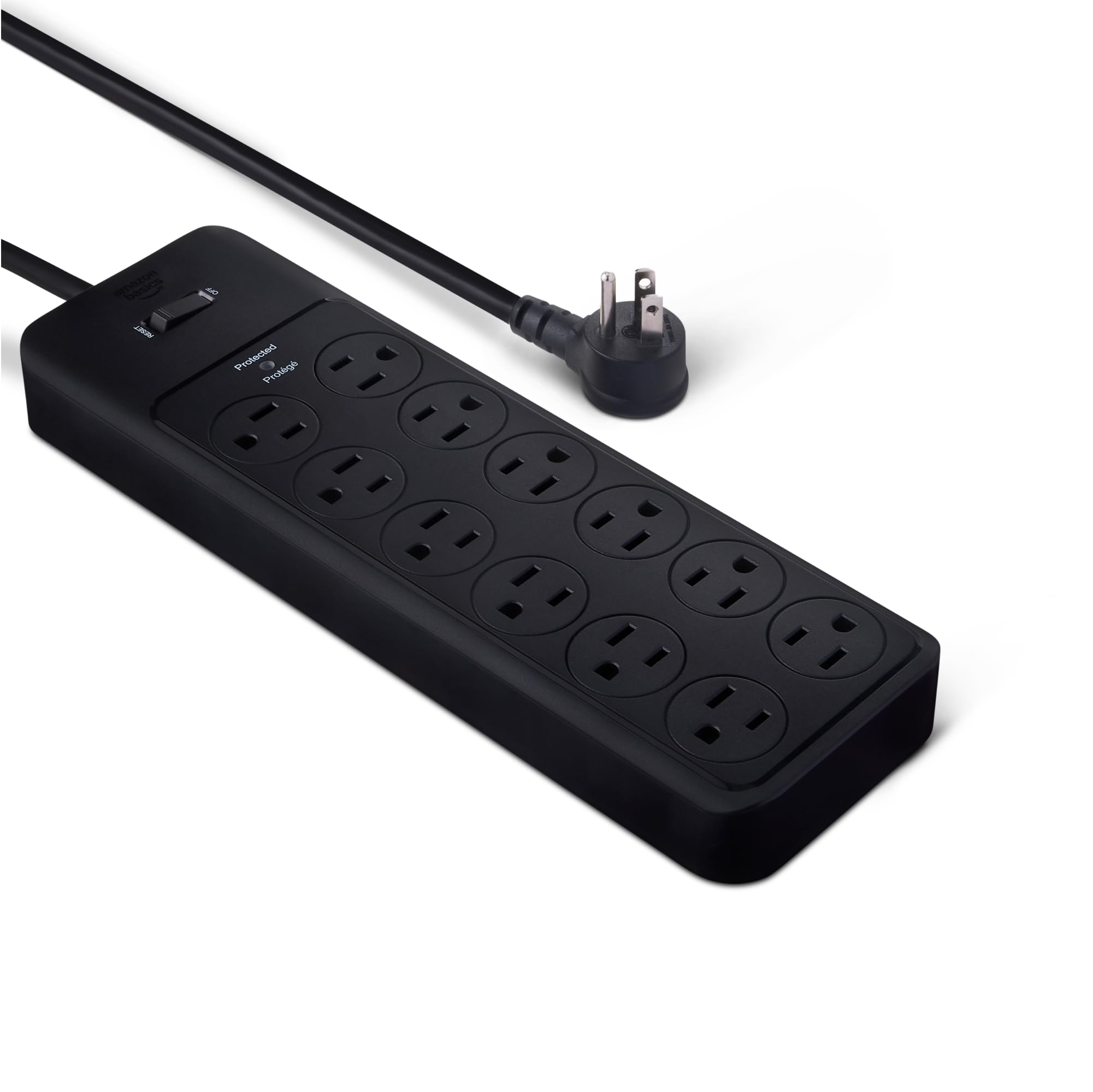

Surge Protection Versus Battery Backup: Two Different Jobs
A basic surge protector only guards against voltage spikes. It does nothing when the power actually goes out, so your PC shuts down instantly, the same as if it were plugged directly into the wall. A battery backup unit, often called a UPS, includes an internal battery that keeps your system running for several minutes after an outage, long enough to save your progress and shut down properly instead of losing unsaved work or corrupting a game save.
Most UPS units also include surge protection built in, so you are not choosing between the two features so much as deciding whether you need the added runtime a battery provides. For a gaming build with genuinely expensive components, the extra protection is usually worth it.
Joule Rating and What It Actually Means
Surge protectors are rated in joules, a measure of how much energy the unit can absorb before it needs replacing. A higher joule rating means the protector can handle a bigger spike, or absorb more smaller spikes over its lifespan before wearing out. For a gaming setup with a power-hungry graphics card and multiple monitors, look for a rating on the higher end of what is available rather than the cheapest basic model, since a burnt-out protector offers zero protection even though it is still plugged in.
It is worth knowing that surge protectors degrade with every spike they absorb, even small ones you never notice. Many units include an indicator light that tells you when the protection has worn out, which is worth checking periodically rather than assuming a plugged-in protector is always doing its job.
Sizing a UPS to Your Gaming PC's Power Draw
If you are choosing a battery backup unit, its capacity needs to match what your system actually pulls, measured in volt-amps or watts. A high-end gaming PC with a demanding graphics card and multiple monitors draws considerably more power than a basic office desktop, so undersizing the UPS means you get only a minute or two of runtime, barely enough to save anything before it shuts off anyway.
Add up your PC's power supply wattage along with your monitor and any peripherals you want kept alive during an outage, then choose a UPS rated comfortably above that total. Manufacturers typically publish a runtime chart showing how many minutes of backup power you get at different load levels, which is worth checking before you buy.
Outlet Count and Layout for a Full Gaming Setup
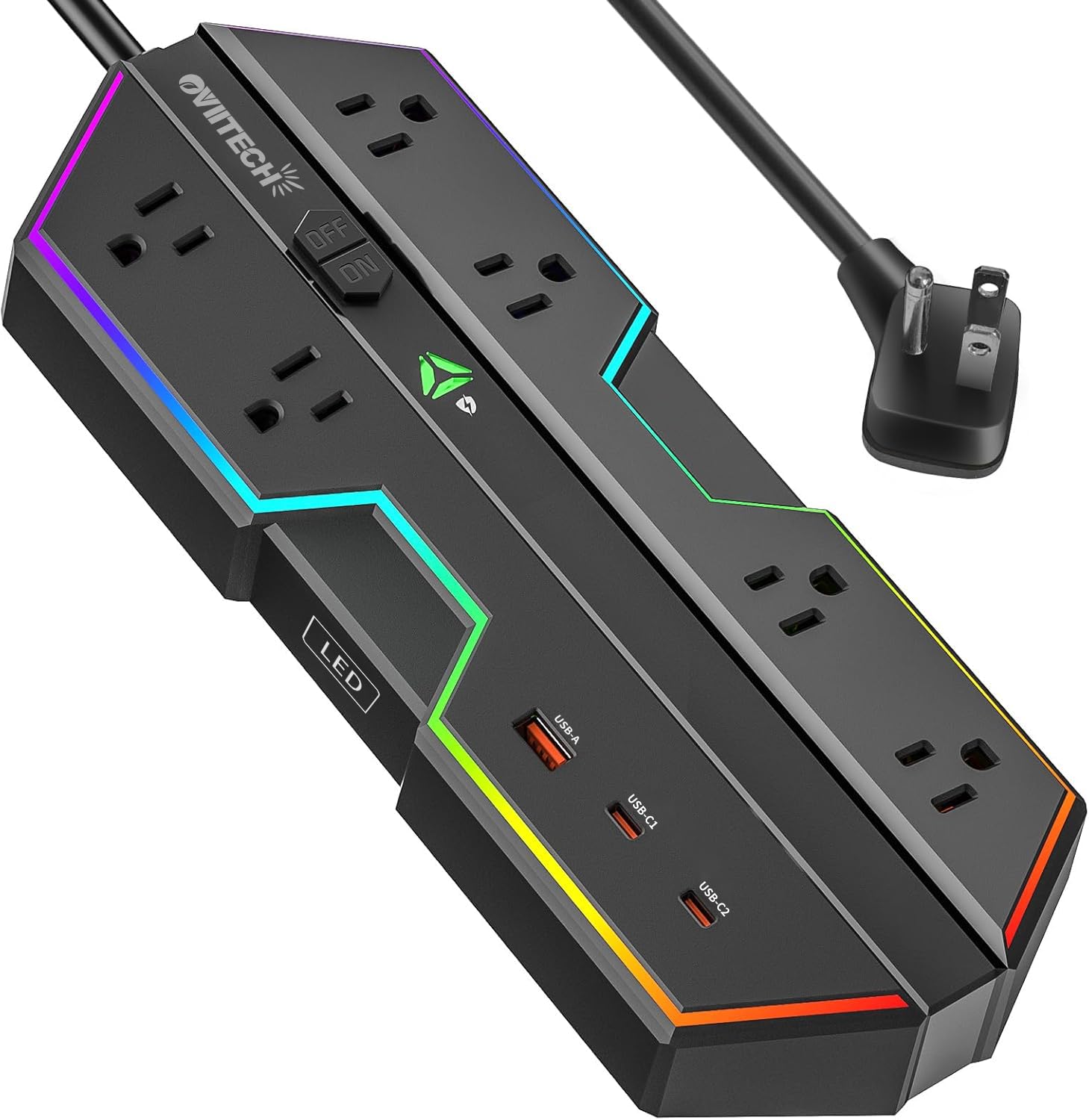
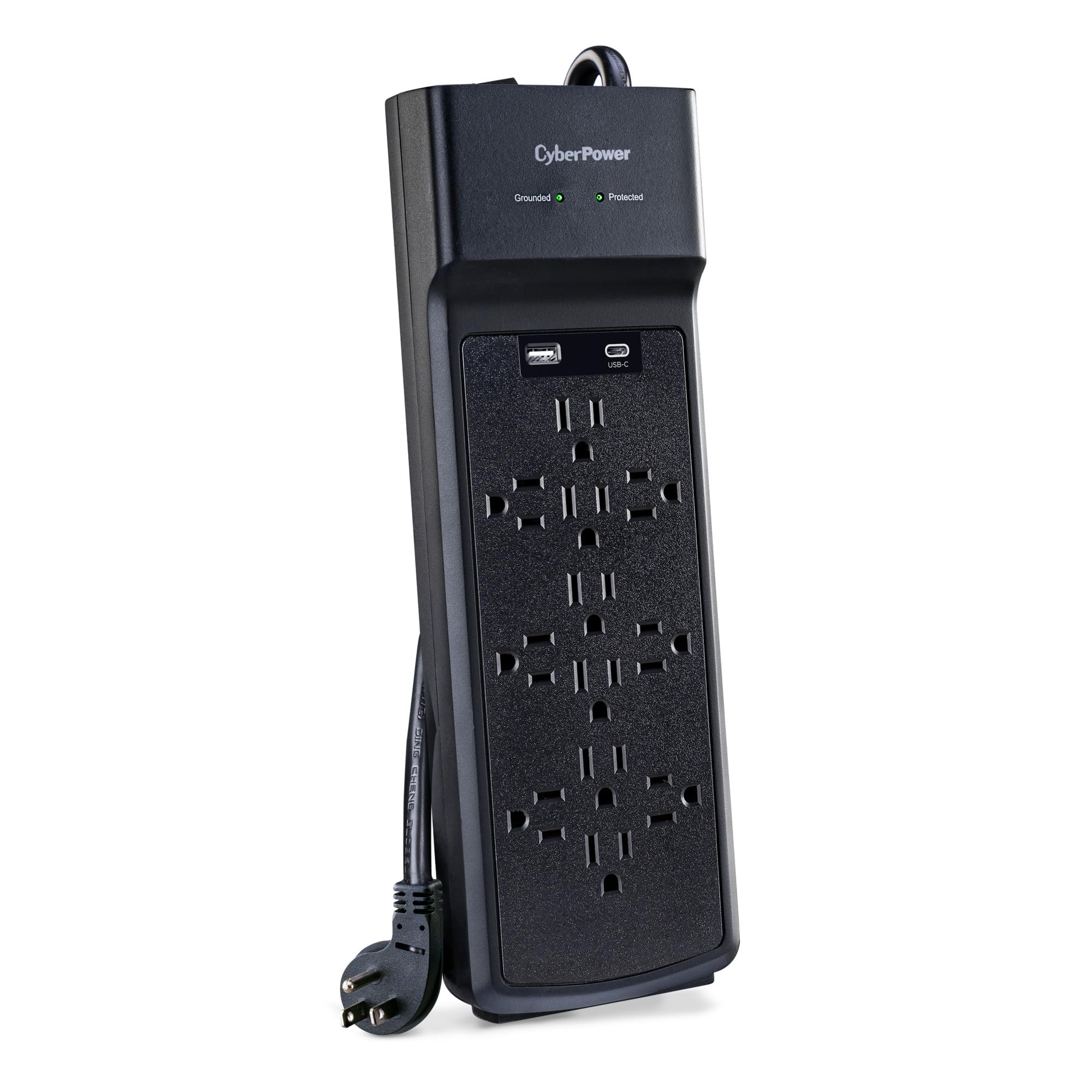
A gaming desk often has more devices plugged in than people expect: the PC itself, one or more monitors, speakers, a router, RGB lighting controllers, and charging cables. Count your actual devices before buying, and lean toward more outlets than your current setup requires, since gaming desks tend to accumulate more gear over time rather than less.
Also check the spacing between outlets. Bulky power adapters, common with monitors and some peripherals, can block adjacent outlets on a poorly spaced unit, effectively reducing the usable outlet count below what is advertised.
Signs Your Current Protection Is Not Enough
If you have never actually shopped for a surge protector for a gaming pc and are still plugging your gaming PC directly into a wall outlet or a basic power strip with no joule rating listed, you have no real protection at all. A power strip only adds outlets, it does nothing to absorb a voltage spike. Similarly, if your existing surge protector is several years old and you cannot remember the last time you checked its status light, it may already be worn out without you knowing.
Frequent unexplained restarts, especially during storms or when large appliances cycle on nearby, are also worth paying attention to. It is not always caused by a hardware problem with your PC itself. Sometimes the actual issue is inadequate power protection letting minor fluctuations through.
Frequently Asked Questions
Do I really need battery backup, or is surge protection enough?
Surge protection alone guards your components from damage but does not prevent a hard shutdown during an outage. If losing unsaved progress or risking a corrupted save file matters to you, a battery backup unit adds real value beyond basic surge protection.
How often should I replace a surge protector?
There is no fixed schedule, since it depends on how many spikes it absorbs over time. Many units include a status light that indicates when protection has degraded, and manufacturers often recommend replacement every few years as a general guideline.
Can a surge protector damage my PC if it fails?
A failed surge protector typically stops protecting rather than actively causing damage, but a worn-out unit gives your PC zero protection against the next spike while you assume it is still safe.
What size UPS do I need for a gaming PC?
Add up the wattage of your power supply, monitors, and any other devices you want backed up, then choose a UPS rated above that total with some buffer room. Manufacturer runtime charts help you estimate how many minutes of backup power that gives you.
Will a UPS make noise while running?
Most units are silent during normal operation and only emit an audible alarm during an actual power outage or when the battery needs replacing, though some produce a faint hum from internal fans on higher-capacity models.
Do I need a UPS if I already have surge protection built into my power supply?
A power supply's internal protection is not a substitute for dedicated surge protection or battery backup. It is designed to protect the internal components of the power supply itself, not to guard your entire system against a serious outside spike or provide runtime during an outage.
The Bottom Line
Choosing the best surge protector for a gaming pc is not just about grabbing whatever power strip is cheapest on the shelf. For a build with real money invested in your graphics card, motherboard, and monitors, basic surge protection is the minimum, and battery backup is worth the extra cost if losing progress during an outage would genuinely bother you. Match the joule rating and UPS capacity to your actual setup rather than settling for the bare minimum.
Related reading: best gaming desks and best ssds for gaming.


