
Best Workstation Desktop in 2026: What to Look For
Disclosure: We may earn a commission when you buy through links on this page, at no extra cost to you. As an Amazon Associate I earn from qualifying purchases. Learn more
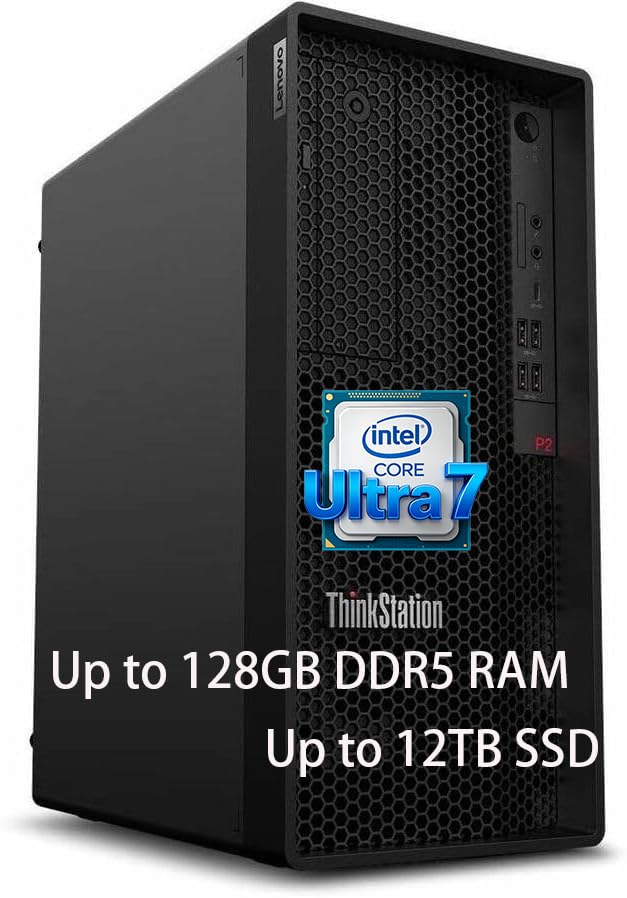
What separates a true workstation desktop from a gaming PC, from ECC memory to certified GPU drivers.
A workstation desktop exists to handle sustained, demanding professional work, CAD, 3D rendering, video production, scientific computing, or engineering simulation, reliably for years rather than months. Unlike a general-purpose desktop, a true workstation is built around component validation, expandability, and cooling headroom rather than just raw benchmark numbers. This guide covers what genuinely separates a capable workstation desktop from a gaming PC wearing a different case.
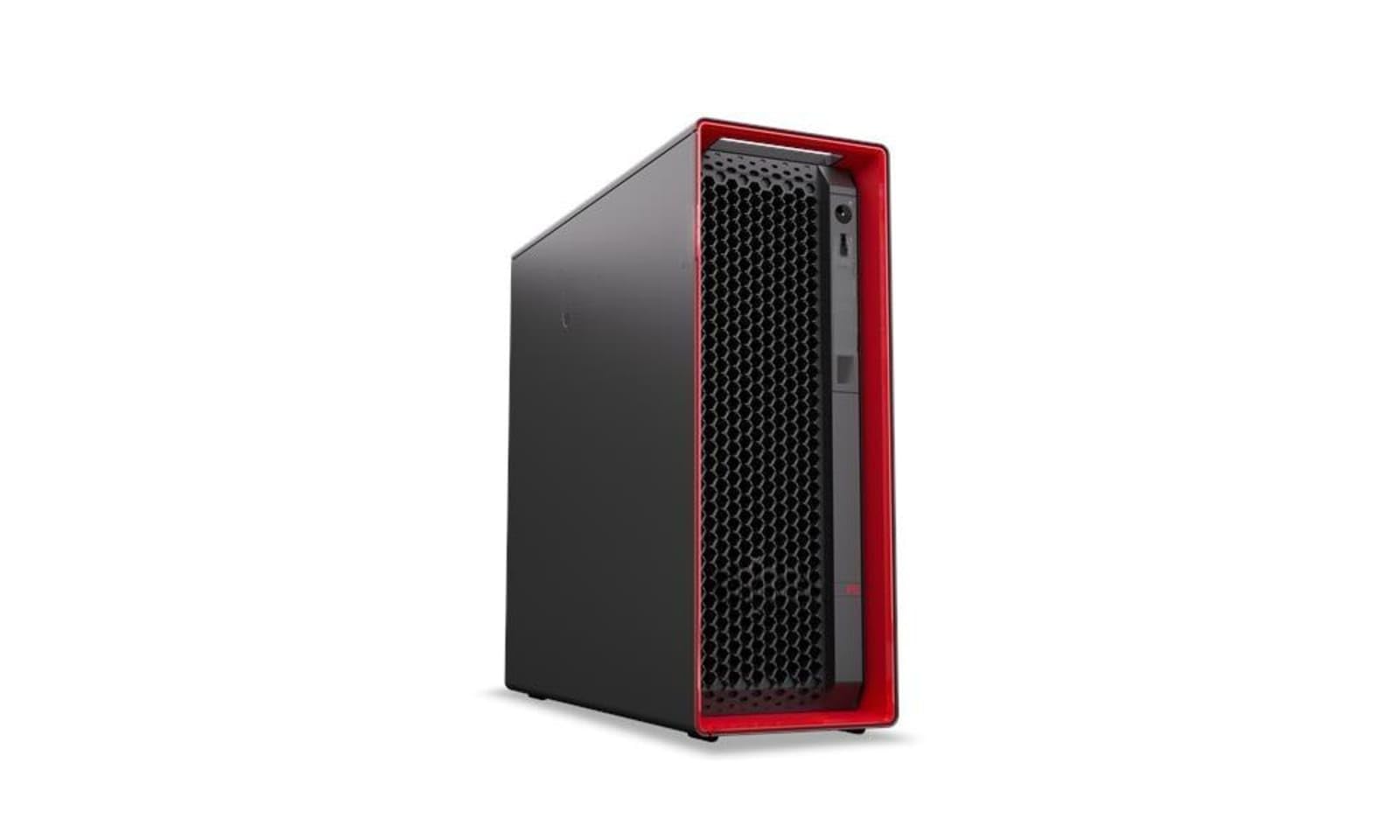
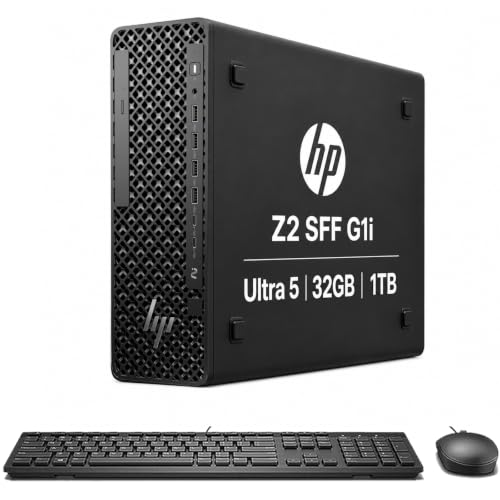
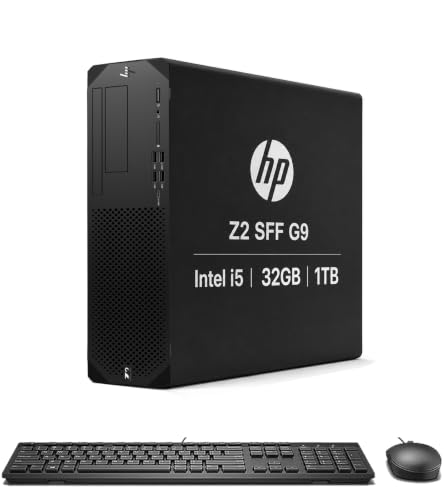
Workstation vs Gaming Desktop: The Real Differences
A gaming desktop and a workstation desktop can share very similar core specs, yet behave quite differently under professional software. Workstations typically use ECC memory options, which detect and correct memory errors that could otherwise silently corrupt a large render or simulation over hours of runtime, a risk gaming machines simply do not guard against. Professional-tier GPU drivers are also validated specifically against CAD and content creation software, reducing crashes that a consumer gaming driver, optimized instead for the latest game releases, might introduce.
Chassis design differs too. Workstation cases are typically engineered for tool-less access, better cable routing for consistent airflow under sustained load, and more physical bays for the multiple drives professionals often need for large project files and backups.
CPU: Core Count vs Clock Speed for Professional Work
The right processor choice depends heavily on your primary software. Rendering, video encoding, and simulation workloads scale well with core count, making a higher core count processor the priority for those tasks. CAD software, by contrast, is often more sensitive to single-core clock speed for interactive work like rotating and editing a model in real time. Many professionals end up wanting both, which is where workstation-class processors with high core counts and strong per-core performance earn their price premium over consumer chips.
Memory: Capacity and Error Correction
32GB of RAM is a reasonable floor for a workstation desktop in 2026, though anyone working with large CAD assemblies, high-resolution video, or substantial datasets should plan for 64GB or more. ECC memory, which most workstation-class motherboards support, catches and corrects single-bit memory errors automatically rather than letting them silently corrupt data, an important safeguard for long unattended render or simulation jobs where a single flipped bit could waste hours of compute time.
GPU Selection: Professional vs Consumer Cards
Professional workstation GPUs are certified against major CAD and content creation applications, offering more predictable behavior and access to features like larger VRAM pools optimized for viewport performance in complex scenes. Consumer gaming GPUs often deliver more raw compute per dollar and can be the smarter choice for rendering-focused workflows like Blender that do not rely on ISV certification the way CAD software does. Match your GPU choice to your specific software rather than defaulting to whichever tier sounds more "professional."
Storage and Expansion
A fast NVMe SSD for your operating system and active projects, paired with larger secondary storage for archives and completed work, is the standard workstation setup. Look for a case and motherboard combination with enough drive bays and PCIe lanes to add storage or a second GPU later, since project sizes and software demands tend to grow over a workstation's multi-year service life.
Cooling and Noise Under Sustained Load
Workstation workloads run for hours, not minutes, which makes sustained thermal performance far more important than peak benchmark numbers. Look for cases with proven airflow design and consider whether liquid cooling makes sense for your specific CPU and workload, since sustained high-core-count rendering can push thermal design further than typical gaming loads ever would. Noise matters too if the machine sits in a shared office rather than a dedicated server closet, so check reviews for sustained-load noise levels, not just idle figures.
Power Supply and System Stability
A workstation running multiple high-draw components for extended periods needs a quality power supply with real headroom above your system's peak draw, not one sized to the bare minimum. Cutting corners here risks instability precisely during the long, unattended render or simulation jobs where a crash costs the most time. A slightly oversized, high-efficiency power supply from a reputable manufacturer is one of the cheaper insurance policies you can build into a workstation.
Frequently Asked Questions
What is ECC memory and do I actually need it?
ECC memory automatically detects and corrects small memory errors that could otherwise corrupt data during long compute jobs. It matters most for mission-critical rendering, simulation, or scientific work, and matters less for general creative work where an occasional error has minimal consequence.
Should I choose a professional GPU or a gaming GPU for my workstation?
It depends on your software. ISV-certified professional GPUs make sense for CAD and applications that specifically validate against them, while rendering-focused work in software without strict certification requirements often gets better value from a consumer gaming GPU.
How much RAM does a workstation desktop need?
32GB is a reasonable starting point, with 64GB or more recommended for large assemblies, high-resolution video work, or substantial datasets.
Is a workstation desktop worth it over a high-end gaming PC?
For professionals relying on ISV-certified software stability and ECC memory protection for critical work, yes. For rendering-focused creative work without those specific needs, a well-specced gaming desktop can offer comparable or better raw performance per dollar.
How many years should a workstation desktop last?
Four to six years is typical for a well-specced workstation, especially one with enough expansion room to add storage or upgrade the GPU partway through its service life.
Final Thoughts
A genuine workstation desktop earns its place through certified reliability, expandability, and memory protection, not just impressive benchmark scores. Match the CPU and GPU choice to your specific software, prioritize ECC memory for mission-critical work, and leave room to expand as your projects grow.
Related reading: best ai computer for home and best pc cases for beginners.


