
Best Gaming Headsets: What Actually Matters in 2026
Disclosure: We may earn a commission when you buy through links on this page, at no extra cost to you. As an Amazon Associate I earn from qualifying purchases. Learn more

What actually separates a good gaming headset from a disappointing one.
A headset is one of the few pieces of gaming gear that affects both how well you play and how you sound to everyone else in a match. The best gaming headsets balance clear positional audio, a microphone that actually sounds good, and comfort for sessions that run several hours without a break. A lot of headsets nail one of those and quietly fail the other two, so it pays to know exactly what to check before buying.

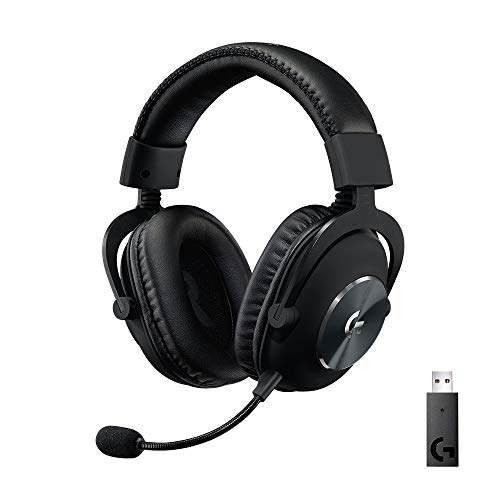
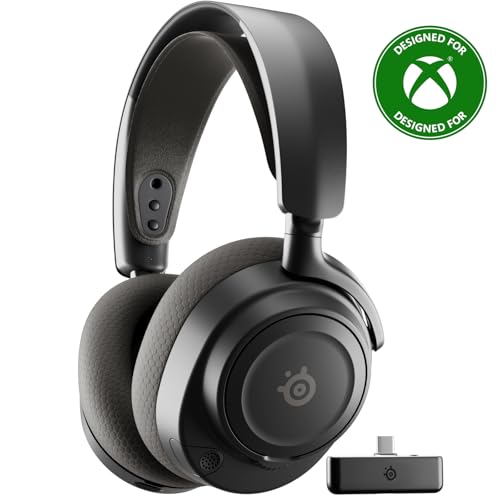
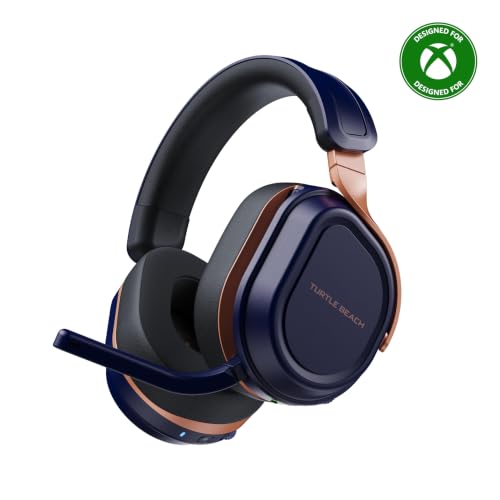


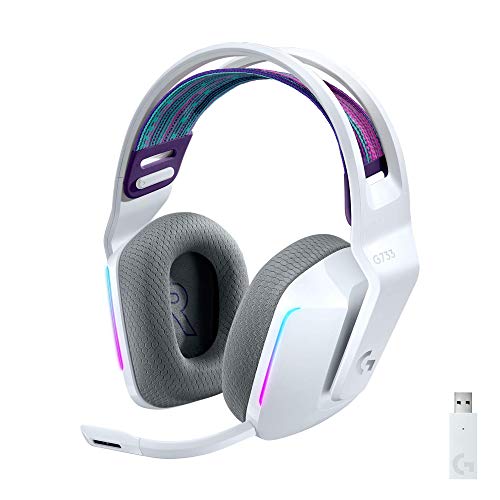


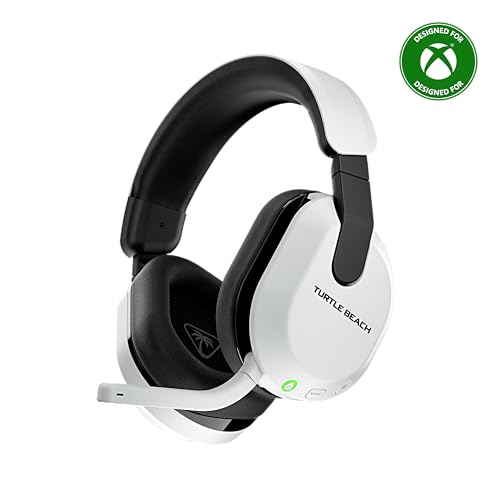

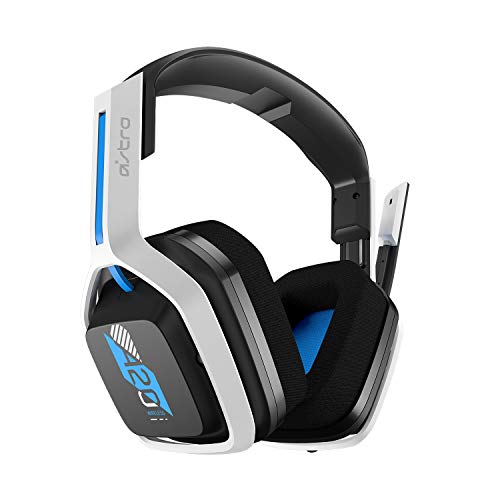
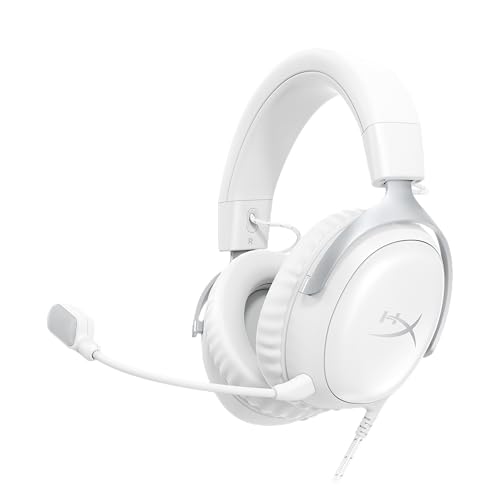
Wired vs Wireless: The Real Tradeoffs
Wired headsets have effectively zero audio latency and never need charging, which matters for anyone who games in long sessions or plays competitively where audio timing matters. Wireless headsets trade a small amount of latency and battery management for freedom of movement and a cleaner desk without a cable running to your head.
Modern wireless headsets using a dedicated USB dongle rather than Bluetooth keep latency low enough that most players won't notice a difference from wired, while phone-style Bluetooth pairing tends to introduce more noticeable delay. If competitive timing matters more than convenience, check specifically whether a wireless headset uses a low-latency dongle rather than standard Bluetooth.
Audio Drivers and Positional Sound
Driver size and quality determine how accurately you can hear footsteps, gunfire direction, or environmental cues, which matters far more in competitive games than raw volume or bass. Larger, well-tuned drivers reproduce a wider frequency range with more separation between sounds happening at different distances and directions.
Virtual surround sound, created through software processing rather than actual multiple physical speakers, can meaningfully improve directional awareness in shooters and other games where knowing exactly where a sound came from decides the outcome. Not every headset implements this well, so checking for a dedicated, well-reviewed surround feature matters more than the marketing label alone.
Microphone Quality: Often the Weakest Link
Headset microphones are frequently an afterthought even on otherwise excellent hardware, picking up unwanted background noise, keyboard clicks, or breathing sounds that are distracting to teammates. A detachable or flip-to-mute boom microphone with genuine noise cancellation makes a real difference in how clearly you communicate during fast-paced moments.
Testing microphone quality through actual reviews or recordings, rather than trusting spec sheets alone, is worth the extra step since two headsets with similar-sounding specifications can have very different real-world clarity. A headset with excellent audio drivers but a poor microphone is still a frustrating choice for anyone who plays with a team regularly.
Comfort for Extended Sessions
Clamping force, ear cup material, and total weight determine whether a headset stays comfortable after two hours or starts causing real discomfort. Memory foam ear cushions with breathable fabric or perforated leatherette generally stay cooler and more comfortable over long sessions than solid pleather, which tends to trap heat.
Headband padding and an adjustable, evenly distributed clamping force matter just as much as ear cushion material, since a headset that's too tight causes headaches regardless of how good the audio quality is. Trying a headset on, or checking detailed weight and clamping force specs when buying online, avoids an expensive mistake.
Platform Compatibility
Not every headset works identically across PC, consoles, and mobile devices, and some wireless features like virtual surround sound are limited to specific platforms through proprietary software. Anyone who splits time between a gaming PC and a console should confirm a headset's full feature set actually carries over to both, rather than assuming universal compatibility.
A simple 3.5mm wired connection remains the most universally compatible option across nearly every device, while proprietary wireless dongles are typically PC and single-console specific.
Onboard Controls and Software Features
Physical volume and mute controls on the earcup or inline cable save time compared to digging through a software mixer mid-match, especially for quick mute during a voice call interruption. A dedicated mute indicator light is a small but genuinely useful feature for confirming you're actually muted before saying something you didn't mean to broadcast.
Companion software for adjusting EQ, surround sound profiles, or microphone sensitivity adds real value when it's simple and reliable, but overly complex software that requires frequent updates or crashes on startup ends up being more hassle than benefit. A gaming headset with solid default sound tuning is often more practical long-term than one that only sounds good after extensive software tweaking.
Frequently Asked Questions
Are wireless gaming headsets good enough for competitive play?
Wireless headsets using a dedicated low-latency USB dongle are generally fine for competitive play, with latency close enough to wired that most players won't notice a difference. Bluetooth-only wireless headsets introduce more noticeable delay and are better suited to casual play.
Does virtual surround sound actually help in games?
Well-implemented virtual surround sound genuinely improves directional awareness in shooters and other games where sound cues indicate enemy position, though quality varies significantly between headsets. It's worth checking reviews for how well a specific headset's surround processing actually performs rather than trusting the feature name alone.
How do I know if a gaming headset's microphone is good?
Look for a detachable or flip-to-mute boom mic with active noise cancellation, and check independent reviews or sample recordings rather than relying on spec sheets, since two similarly specified microphones can sound very different in practice.
What makes a headset comfortable for long gaming sessions?
Memory foam ear cushions, breathable material, balanced clamping force, and manageable total weight all contribute to long-session comfort. A headset that's too tight or too heavy will cause discomfort regardless of audio quality.
Can I use a gaming headset on both PC and console?
Many headsets work across both, but proprietary features like virtual surround sound are sometimes limited to specific platforms through dedicated software. A basic 3.5mm wired connection offers the most universal compatibility across devices.
Making Your Choice
The right gaming headset depends on whether competitive audio timing, all-day comfort, or clear team communication matters most for how you actually play. Prioritize a low-latency connection and a genuinely good microphone over marketing claims about surround sound alone, and don't underestimate how much comfort affects long-session performance. A headset that nails audio but hurts after an hour isn't the right pick, no matter how good it sounds at first.
Related reading: best gaming chairs for women and best gaming desks.


