
Gaming Chairs
Gaming and ergonomic office chairs for long PC sessions.


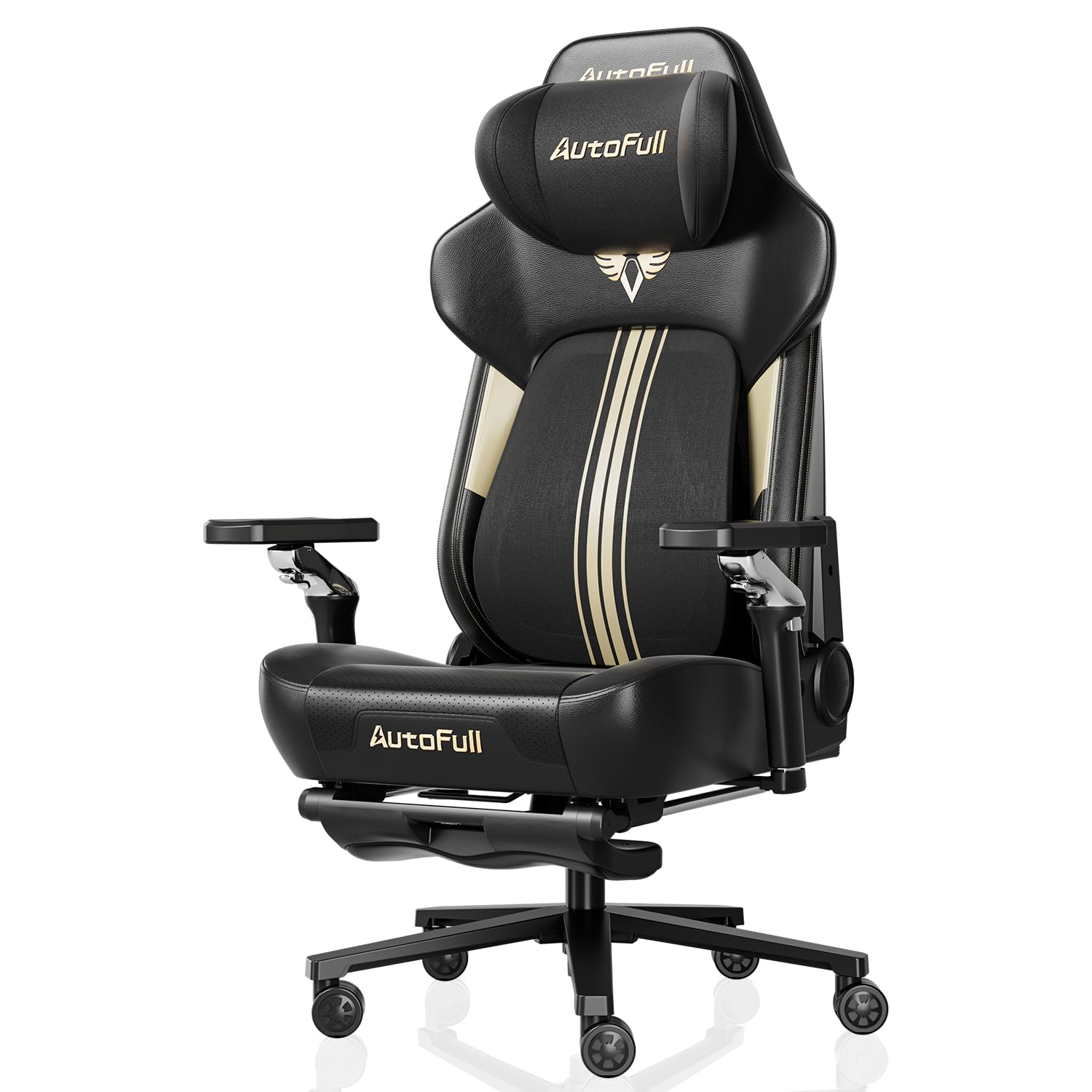
What Really Makes a Chair Comfortable
A chair you sit in for hours should support your body, not just look the part. Racing-style gaming chairs are popular for their bold design, but comfort comes down to fit and adjustability. The goal is a posture where your feet rest flat, your knees sit near hip height, and your lower back is supported without strain.
Features to Compare
- Seat size and height range: check the manufacturer's recommended height and weight range. A seat that is too deep or too narrow quickly becomes uncomfortable.
- Lumbar support: built-in adjustable lumbar support usually works better than a loose pillow that slides around.
- Armrests: 3D or 4D armrests that adjust in height, width, and angle help keep shoulders relaxed while using a mouse.
- Materials: PU leather is easy to clean but can feel warm. Fabric and mesh breathe better during long sessions.
- Recline and tilt: a lockable recline and tilt tension make it easy to switch between gaming, working, and relaxing.
- Base and casters: a sturdy metal base and casters suited to your floor type add stability.
Gaming Chair vs Ergonomic Office Chair
Gaming chairs often offer high backs, headrests, and deep recline. Ergonomic office chairs focus on adaptive back support and breathable mesh. Neither is automatically better; the right choice depends on your body shape and how you sit. Smaller users in particular should look at seat dimensions, which is why we cover gaming chairs for women separately.
Assembly and maintenance are worth considering as well. Most chairs arrive flat-packed and take about 30 to 60 minutes to build, ideally with a second person to help attach the backrest. Tightening bolts after the first few weeks keeps the chair stable and quiet.
Common Mistakes
Buying a chair based on looks alone is the most frequent regret. Others include ignoring the height range, choosing hot materials for a warm room, and forgetting to adjust the desk and monitor too. A good chair works best when your screen sits at eye level, so consider pairing it with a well-placed display from our monitors section and accessories from PC accessories.
Budget-wise, solid entry-level chairs start around $150, while premium ergonomic models with longer warranties often cost $300 to $600 or more.
Gaming Chairs FAQ
Are gaming chairs good for your back?
A well-fitted gaming chair with adjustable lumbar support can encourage better posture. Comfort depends on fit and adjustability, and regular breaks still matter for long sessions.
How do I know if a gaming chair will fit me?
Check the recommended height and weight range, seat width, and seat depth. Your feet should rest flat with knees close to hip level.
Is PU leather or fabric better?
PU leather is easy to wipe clean but can feel warm and may wear over time. Fabric and mesh breathe better and often stay comfortable longer.
Should I buy an ergonomic office chair instead?
If you mostly work rather than game, an ergonomic office chair with adaptive back support may suit you better. Both styles can work well when properly adjusted.
How long should a gaming chair last?
A quality chair often lasts several years. Look for a metal frame, a certified gas lift, and a warranty that covers the frame and mechanism.